At the end of the year we shipped a big update to our internal tool (I briefly wrote about it before). The goal: give teammates sane, usable access to backups of customer apps. In a SaaS company, everyone needs backups all the time — dev, QA, incident investigations, you name it. Without proper tracking the whole thing turns into a petting zoo: three people, same moment, three requests for almost identical copies of the same database. Sure, it "works", but you end up chewing through 3x the resources for zero extra value.
We did have a solution built on top of the Bitrix UI, but due to, uh... the unique "evolutionary path" of that product, it delivered more pain than gain. So we rethought the workflow and rewrote everything. Frontend is 1C; backend is PostgREST, PostgreSQL, PowerShell, and a bunch of other bits and bobs. The internal logic is fairly gnarly, but for the user it's a clean, friendly UI where you can request a backup in literally two clicks.
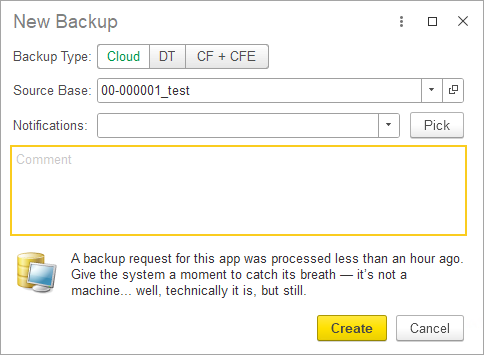
You can pick one of three backup types:
- Cloud backup (a copy of the real app deployed in the cloud and accessible — including via the browser);
- File backup (a regular .dt file you can download and spin up locally);
- Configuration + extensions backup (.cf + .cfe).
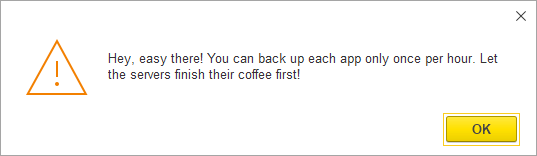
Also, the new solution detects when someone tries to request a backup for an app that's already being generated right now. And it rate-limits things too: you can't back up the same app more than once per hour.
And yes — we're still sneaking jokes into the UI. Obviously.