Notes: Javascript

My notes about life, work and other fascinating things around me.

Shown: 0 · Page

Day Switcher for Obsidian
17 August 2024 ·

When you're actively working in daily notes in Obsidian, you often want to quickly peek into the note from yesterday or, conversely, for tomorrow. For example, when sorting today's tasks and wanting to postpone some of them for tomorrow.

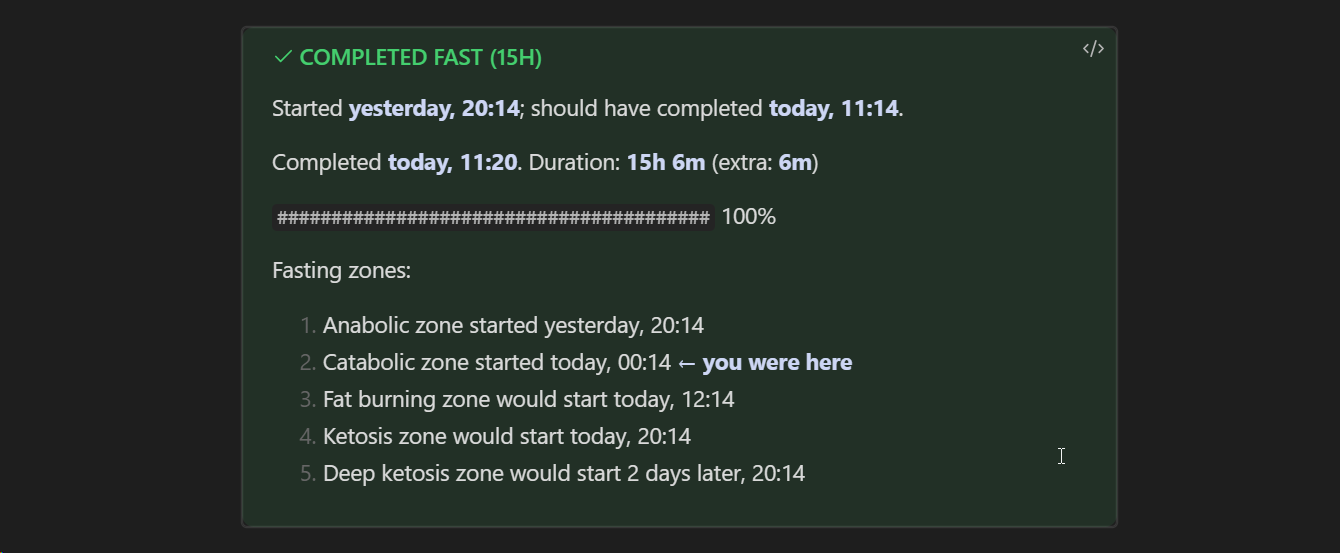
I'm too lazy to type the exact date every time, so I wrote a script for this. It takes the note's date from its title (expects it to be in ISO 8601 format) and generates a tooltip with links to yesterday's and tomorrow's notes. The day of the week is displayed in the header for additional convenience:

Example

The script is written for the Dataview plugin since I'm already using it for other tasks. In general, it can easily be adapted for Templater, CustomJS, or even turned into a standalone plugin (again, I'm too lazy to bother with that).

If you plan to use it:

  1. In the noteLink() function, specify the path to your daily notes folder (currently, the path contains a 'Days' folder for example; I mean the path is indicated in the Daily notes/Template file location setting);
  2. Include the script in your daily note template (Daily notes/Template file location setting).
No More Embedded Tweets
21 Marth 2022 ·

As soon as I removed Google Fonts from my blog, I had to remove embedded tweets as well.

How did it work before? I want to link a tweet — I simply insert the link to it. The build script replaces it with an HTML block, then Twitter founds this block and replaces it with the text of the tweet (and some useful links as well). This commit shows you how it worked.

How does it work now? You're right, it does not! Twitter is blocked in Russia.

Well

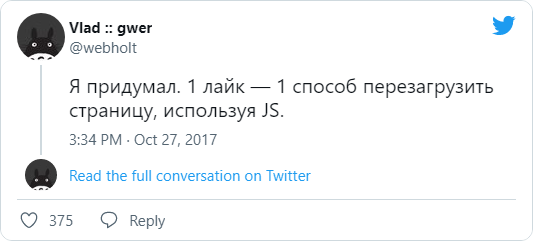
The solution: I had to screen all the tweets that I once referred to and add them to the notes in the form of pictures with links. Whoever needs the original will turn on VPN and go to Twitter, and the rest, at least, can read the text.

A few words about the technical side. I was too lazy to screen each tweet manually, so I was thinking about how to automate the process. At first, I came across only services that were ready to solve the problem for some pathetic ten dollars (thanks guys, maybe, one day…), but then I came across the perfect tool: a console script for Node.js.

Nothing that you don't need. Pure functionality. You give a tweet to it. It gives you a picture back:

npx snap-tweet https://twitter.com/PossumEveryHour/status/1506148678461014016

That's all. I want to donate the author, really.

I thought about attaching snap-tweet to my build script (so that it would be like before: I insert a link to a tweet, and then it generates a picture by itself and puts it where it needs to be). Decided that I'm not gonna do it. Rude violation of KISS, and indeed… There's enough entropy in the world so far. Especially now.